Hubstaff has built a strong reputation as a time tracking and workforce management tool, particularly popular among remote teams and freelancers. However, BPO contact centers have unique requirements that general-purpose tools like Hubstaff struggle to address. This comparison explores why HeroFocus is the superior choice for BPO operations.
Understanding the Core Difference
Hubstaff was designed for general remote work scenarios — freelancers billing clients, remote employees tracking hours, and small teams managing projects. HeroFocus was built from the ground up for BPO contact centers, where the challenges are fundamentally different:
- Scale: BPO operations often involve hundreds or thousands of agents
- Shifts: Contact centers run 24/7 with complex scheduling
- Clients: BPO companies serve multiple clients with different requirements
- Compliance: Strict regulatory requirements for data handling
- Global: Teams spread across multiple countries and time zones
Pricing Comparison
HeroFocus:
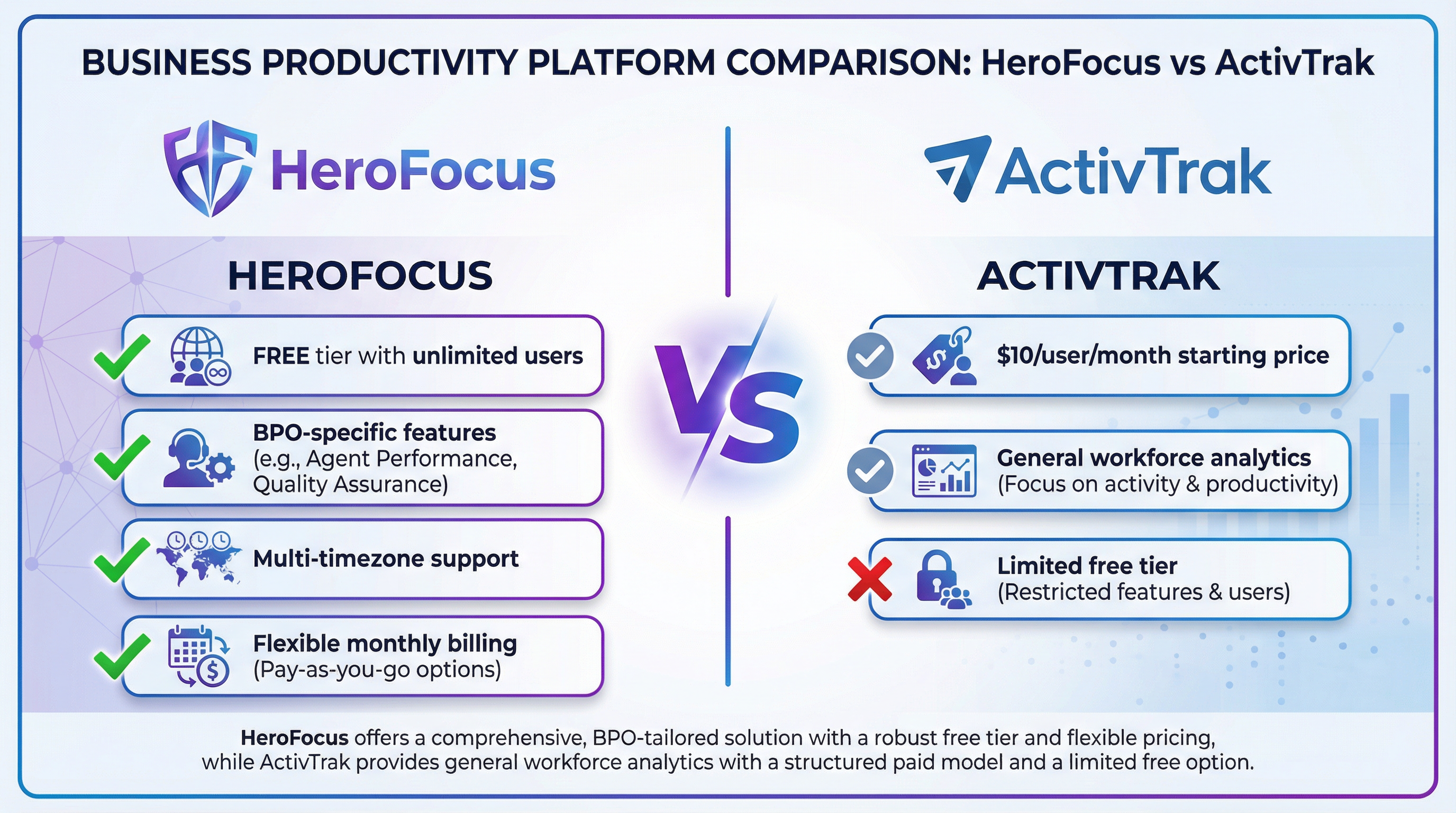
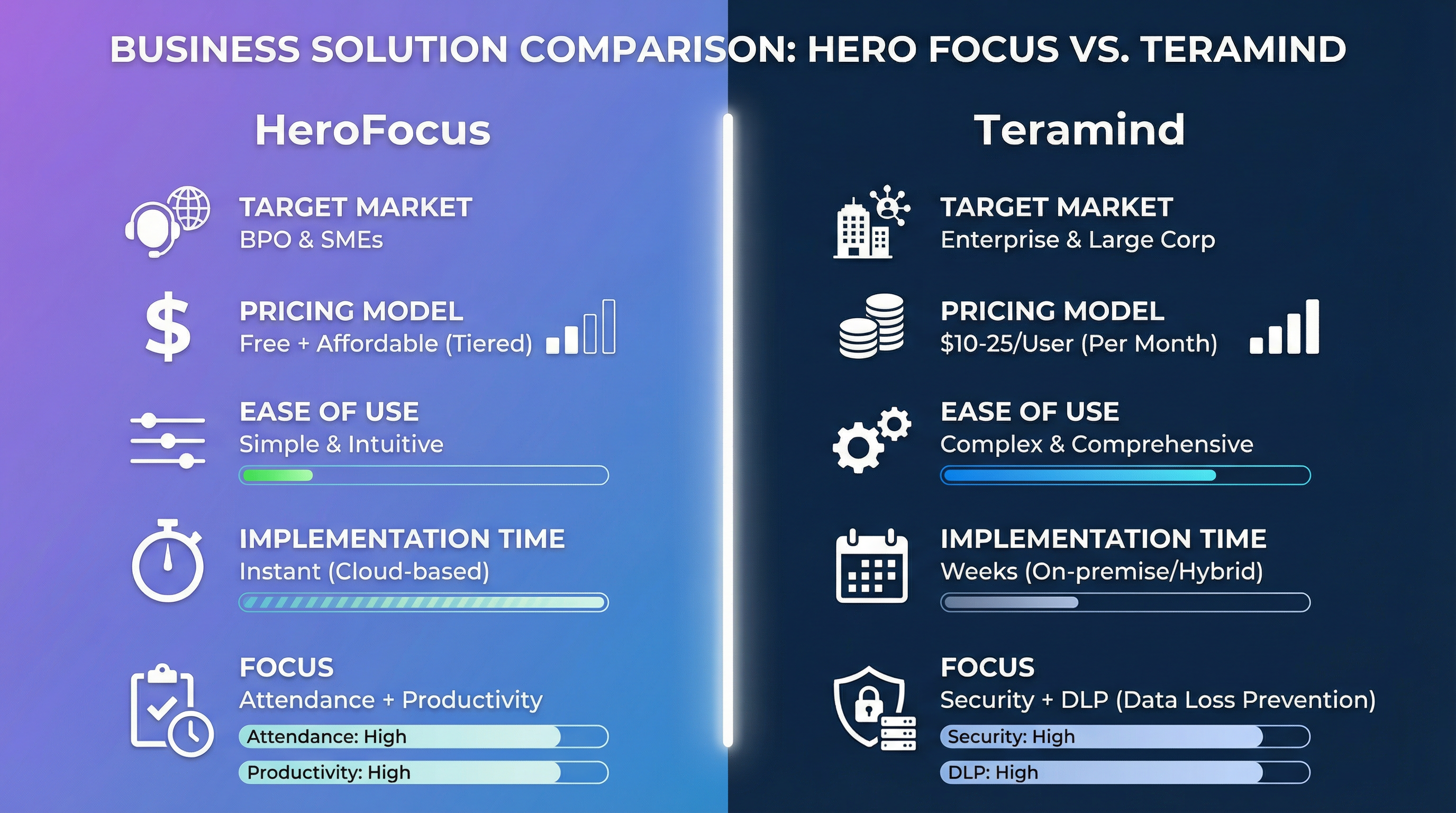
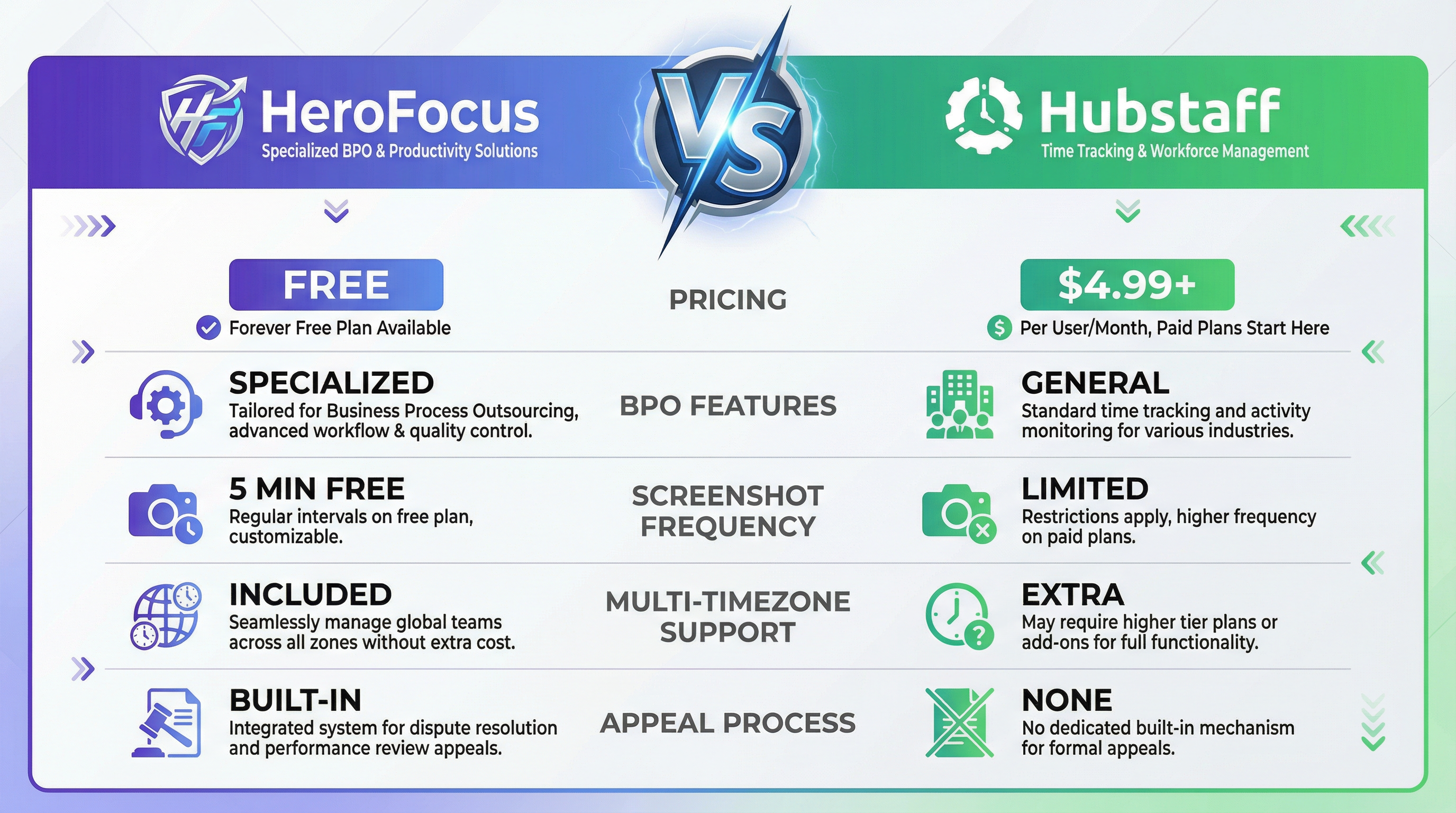
- Free: Unlimited users, attendance + 5-min screenshots
- Professional: $4.99/user/month
- Enterprise: $9.99/user/month
Hubstaff:
- Free: 1 user only
- Starter: $4.99/user/month (limited features)
- Grow: $7.50/user/month
- Team: $10/user/month
- Enterprise: $25/user/month
For a 200-agent BPO operation:
- HeroFocus Free: $0/year
- Hubstaff Grow: $18,000/year
Feature-by-Feature Comparison
Screenshot Monitoring
HeroFocus:
- 5-minute intervals included in free tier
- Configurable frequency on paid plans
- Activity timeline visualization
- Bulk screenshot review tools
- Privacy blur for sensitive content
Hubstaff:
- Screenshots limited on lower tiers
- Higher frequency requires premium plans
- Basic screenshot viewer
- No bulk review tools
- Limited privacy controls
Multi-Timezone Support
HeroFocus:
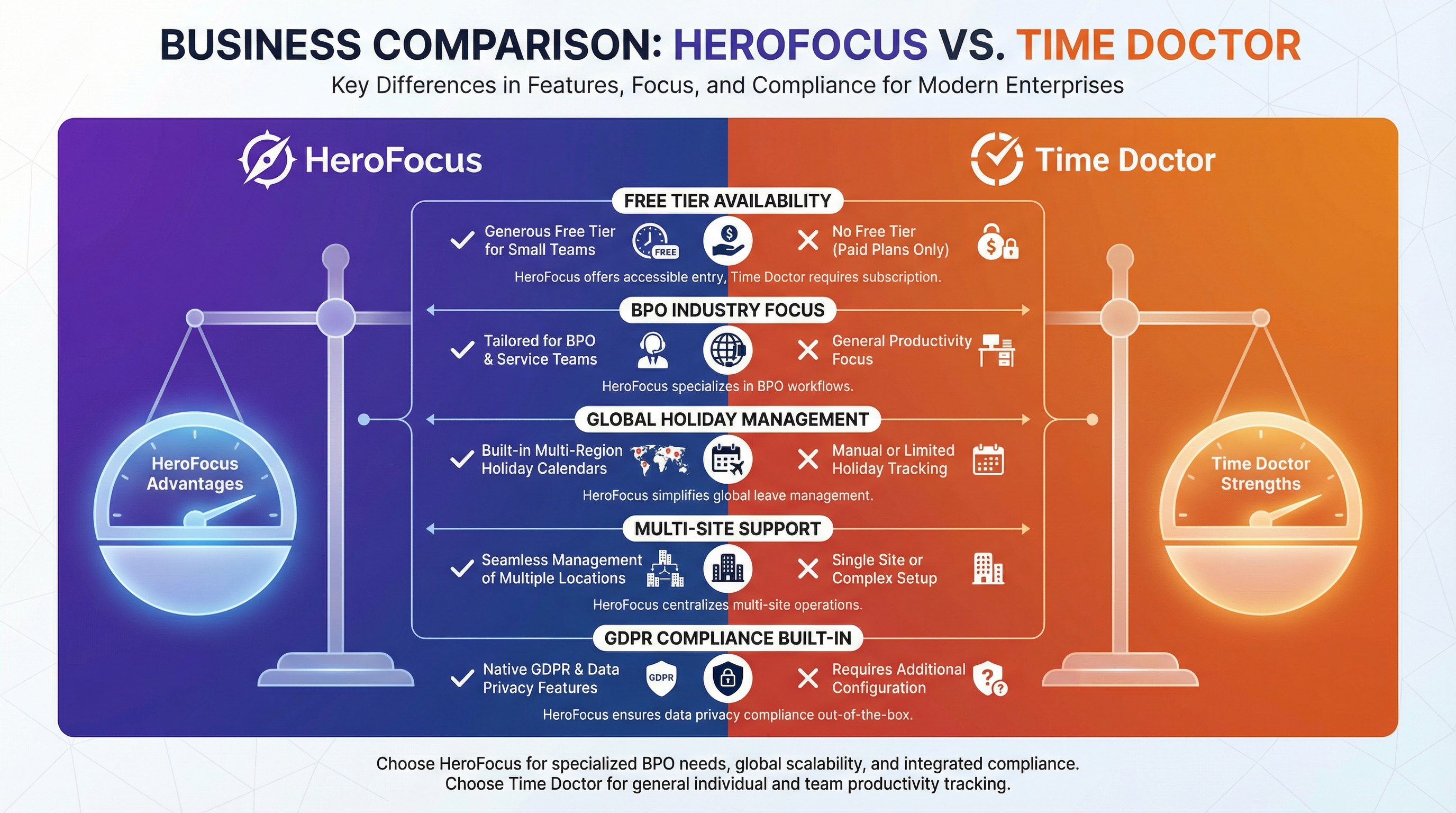
- Native multi-timezone architecture
- Automatic time conversion in reports
- Timezone-aware scheduling
- Global holiday calendars included
Hubstaff:
- Basic timezone support
- Manual configuration required
- Reports may require timezone adjustment
- No built-in holiday management
Appeal and Dispute Resolution
HeroFocus:
- Built-in appeal workflow
- Agents can flag disputed entries
- Manager review and approval process
- Audit trail for compliance
Hubstaff:
- No formal appeal process
- Manual time editing by managers
- No structured dispute resolution
- Limited audit capabilities
BPO-Specific Features
HeroFocus:
- Client-specific dashboards
- Business line segmentation
- Shift pattern management
- SLA tracking integration
- Agent performance scoring
Hubstaff:
- Project-based organization
- Basic team structure
- Standard scheduling
- No SLA features
- General productivity metrics
Real-World BPO Scenarios
Scenario 1: Seasonal Scaling
A BPO company needs to add 100 agents for holiday season support:
With HeroFocus: Add agents to free tier immediately, upgrade to paid only if advanced features needed. Total cost: $0-$499/month.
With Hubstaff: Each new agent requires paid license. Total cost: $750-$2,500/month.
Scenario 2: Multi-Client Operations
A BPO serves 5 different clients with separate reporting requirements:
With HeroFocus: Create business lines for each client, generate client-specific reports automatically.
With Hubstaff: Create separate projects, manually compile reports for each client.
Scenario 3: Global Team Management
A BPO has agents in Philippines, India, and Mexico:
With HeroFocus: Unified dashboard with timezone-aware views, automatic holiday recognition for each country.
With Hubstaff: Manual timezone management, no integrated holiday calendars.
Migration from Hubstaff to HeroFocus
Many BPO companies have successfully migrated from Hubstaff to HeroFocus:
- Data Export: Export historical data from Hubstaff
- Account Setup: Create HeroFocus account (instant, no credit card required)
- Agent Onboarding: Invite agents via email
- Configuration: Set up business lines, shifts, and policies
- Go Live: Begin tracking with zero downtime
Most migrations complete within 1-2 weeks with full historical data preserved.
Conclusion
While Hubstaff is an excellent tool for general remote work scenarios, BPO contact centers have specialized needs that require a specialized solution. HeroFocus offers:
- Free unlimited users vs. per-user pricing
- BPO-specific features vs. general time tracking
- Built-in appeal process vs. no dispute resolution
- Global operations support vs. basic timezone handling
- Instant scalability vs. cost barriers to growth
For BPO companies serious about workforce management, HeroFocus is the clear choice.