
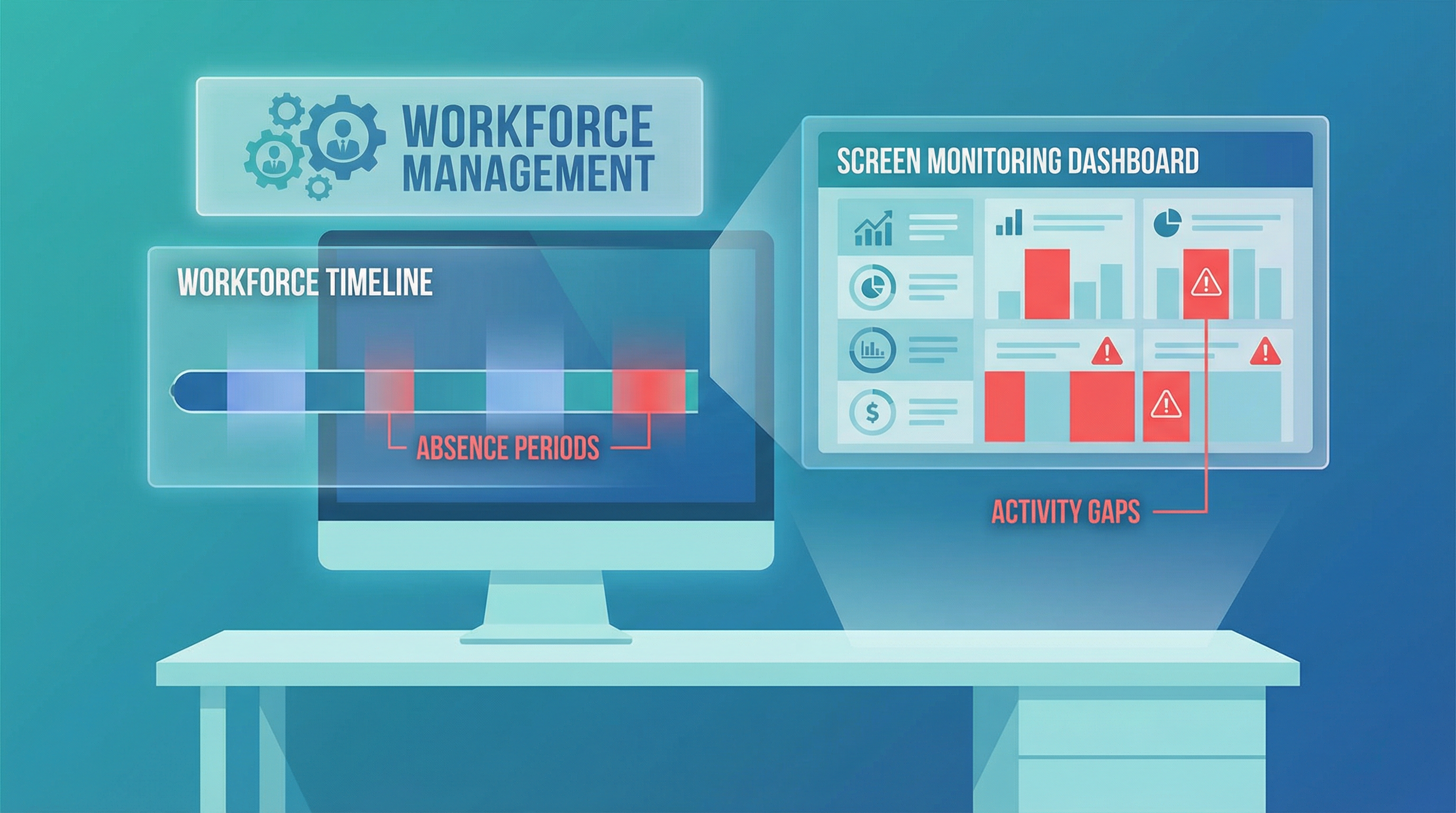
One of the most challenging issues for BPO managers — especially those overseeing remote teams — is detecting when agents leave their workstations during scheduled work hours. An agent might clock in on time and clock out at the end of their shift, but what happens in between? HeroFocus screen monitoring provides the visibility needed to ensure agents remain productive throughout their shifts.
The Mid-Shift Absence Problem
Mid-shift absences take many forms:
- Extended breaks: Taking 30-minute breaks when only 15 minutes are allowed
- Personal errands: Leaving to handle personal matters while "on the clock"
- Unannounced departures: Stepping away without informing supervisors
- Multi-tasking fraud: Appearing to work while actually doing something else
In a traditional office environment, supervisors can physically observe when agents leave their desks. In remote work settings, this visibility disappears entirely. Even in on-site contact centers, supervisors can't watch every agent continuously.
How HeroFocus Detects Mid-Shift Absences
Activity Timeline Visualization HeroFocus creates a visual timeline of each agent's workday, showing periods of activity and inactivity. Gaps in the timeline immediately highlight potential issues:
- Green segments indicate active work periods
- Yellow segments show low activity (possible idle time)
- Red segments reveal extended inactivity (potential absence)
Screenshot Evidence Periodic screenshots provide concrete evidence of what agents are doing (or not doing). When an agent is away from their workstation, screenshots will show:
- Locked screens or screensavers
- Unchanged desktop states over multiple captures
- Non-work applications left open
Intelligent Anomaly Detection The system learns each agent's normal activity patterns and flags deviations:
- Sudden drops in keyboard/mouse activity
- Unusual gaps between screenshots
- Patterns that don't match scheduled break times
Real-World Scenarios
Case Study 1: The Extended Lunch Break A remote agent was consistently taking 90-minute lunch breaks instead of the allocated 60 minutes. Traditional clock-in/out systems showed normal hours, but HeroFocus timeline analysis revealed the pattern. After coaching, the agent adjusted their behavior.
Case Study 2: The Errand Runner An on-site agent was leaving the building multiple times per day to handle personal errands, each time for 15-20 minutes. Screen monitoring showed repeated periods of inactivity that didn't correspond to scheduled breaks. The data enabled a constructive conversation about work-life balance and schedule flexibility.
Case Study 3: The Multi-Tasker A work-from-home agent was running a side business during work hours. Screenshots revealed e-commerce platforms and personal email open during scheduled customer service time. The evidence was clear and undeniable.
Balancing Accountability and Trust
Effective mid-shift monitoring requires balance:
Transparency: Agents should know that monitoring occurs and understand its purpose. Surprise surveillance damages trust.
Reasonable Expectations: Not every moment of inactivity indicates a problem. Agents need bathroom breaks, water refills, and brief mental breaks.
Privacy Respect: HeroFocus captures work activity, not personal information. The goal is accountability, not surveillance.
Fair Application: Monitoring policies should apply equally to all team members, regardless of tenure or performance history.
Taking Action on Mid-Shift Absence Data
When patterns emerge, managers should:
- Document the evidence: Use HeroFocus reports to create objective records
- Have data-driven conversations: Present facts, not accusations
- Understand root causes: Sometimes absences indicate burnout, personal issues, or scheduling problems
- Implement solutions: Adjust schedules, provide support, or take disciplinary action as appropriate
- Monitor improvement: Track whether interventions are effective
Conclusion
Mid-shift absences represent a significant but often invisible drain on BPO productivity. HeroFocus screen monitoring provides the visibility managers need to identify issues, have constructive conversations, and ensure fair accountability across their teams. The goal isn't to create a surveillance state — it's to build a culture where everyone contributes their fair share.